Norah Klintberg Sakal
AI Consultant & Developer

AI consultant and developer specializing in AI-powered search and AI agents. Focused on building smarter retrieval systems, chatbots, and e-commerce AI with practical, hands-on guides.

View all authors

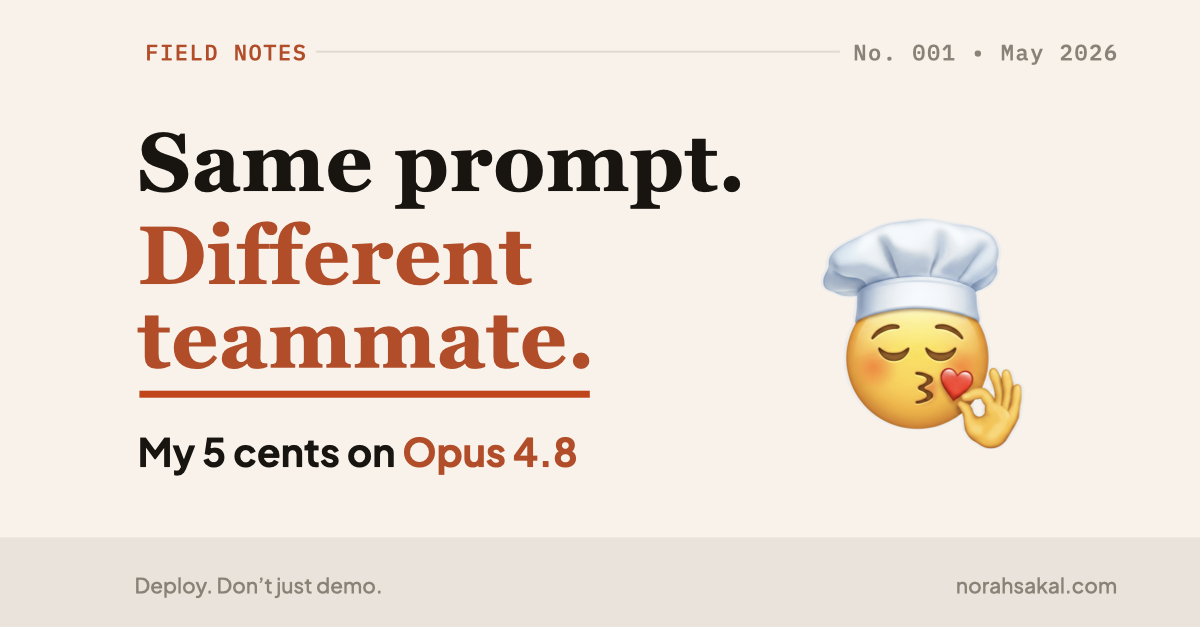
Same prompt. Different teammate.

Β· 4 min read
Norah Klintberg Sakal
AI Consultant & Developer

Same prompt. Different teammate. My 5 cents on Opus 4.8

Same prompt. Different teammate. My 5 cents on Opus 4.8​

I'm using Claude Code while creating my "How to deploy an AI agent" course.

Don't get me started. I know it's very meta to use AI while building a course about deploying AI apps, but here we are.

And after switching to Opus 4.8 today, I noticed a small thing that felt different.

Not "the model solved world peace" different.

More like "Did it just understand what I'm actually working on? 🧐"
Stop overbuilding your AI backend

Β· 3 min read
Norah Klintberg Sakal
AI Consultant & Developer

The smallest backend your AI app actually needs

My #1 rule:

Deploy the boring loop first. Add intelligence later.

Because if the simple loop doesn't work in production, the fancy version won't save you.

Your vibe-coded AI app does not need a complicated backend on day one.

πŸ™…β€β™€οΈ No RAG
πŸ™…β€β™€οΈ No tools
πŸ™…β€β™€οΈ No streaming
πŸ™…β€β™€οΈ No multi-agent orchestration

It needs one boring backend loop:

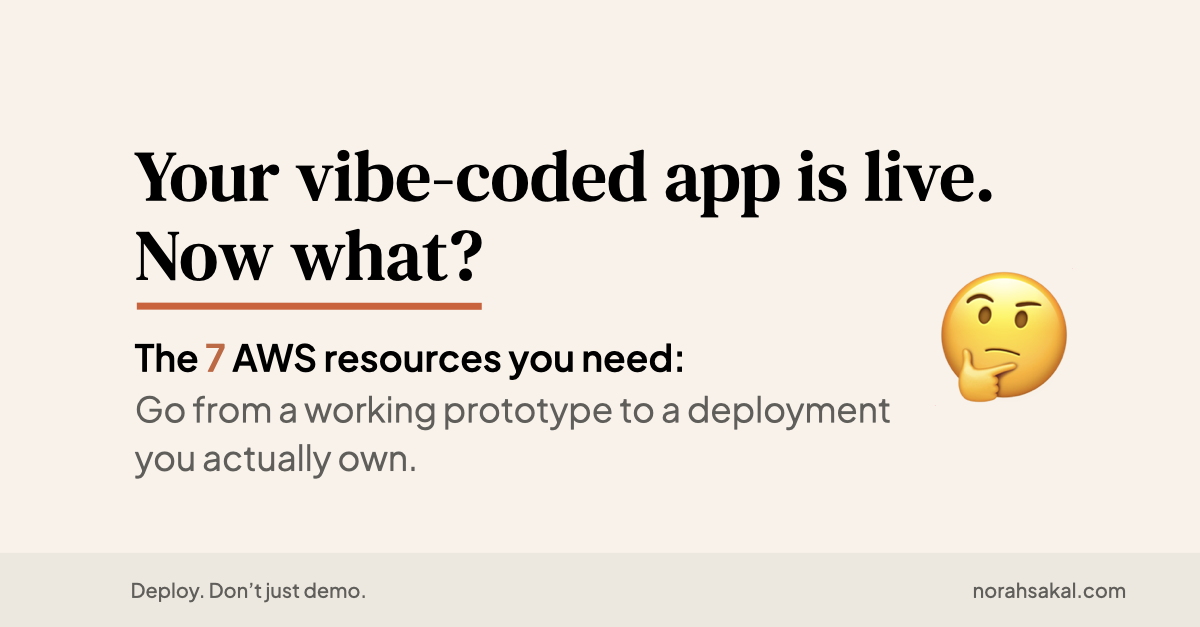
Your vibe-coded app is live. Now what?

Β· 5 min read
Norah Klintberg Sakal
AI Consultant & Developer

The 7 AWS resources you need to go from a working prototype to a deployment you actually own.

Getting to a live URL is the easy part now.

The harder question is whether you actually own what you built.

Can you move it?
Can you debug it?
Can you explain the stack to a client?
Can you protect your API keys?

If the answer is "No πŸ™‚β€β†”οΈ" or "I'm not sure πŸ₯Ή" β†’ your AI app is still a hosted prototype.

Here are the 7 things you need to deploy your vibe-coded app and own the whole stack on AWS:

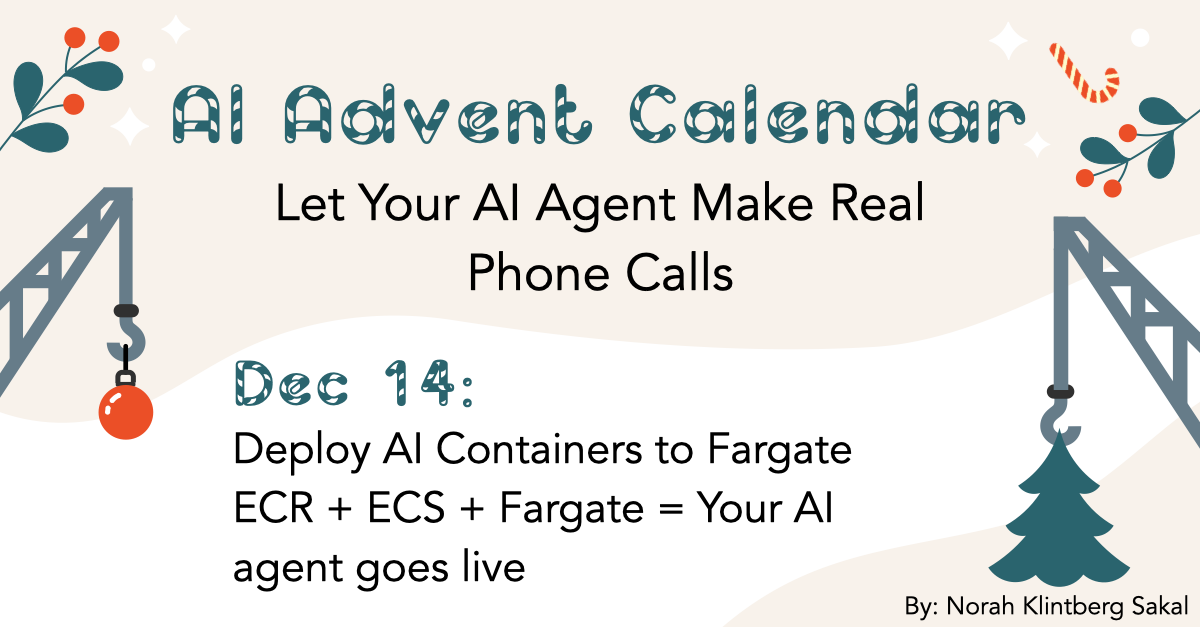
Day 14: Deploy AI Containers to Fargate

Β· 76 min read
Norah Klintberg Sakal
AI Consultant & Developer

Deploy AI Containers to Fargate

What you'll learn

How to containerize your AI calling agent, push to ECR, deploy to Fargate, store secrets securely with Paramater Store and make your first REAL AI phone call

This is THE day​

Day 13: You build a secure backend trigger (mock response)

Today: We deploy the actual AI containers and make real phone calls.

Remember yesterday's response?

{
"message": "Call trigger received! (Mock response - Fargate connection coming Day 14)"
}

Today, your phone will actually ring πŸ“žπŸ€–

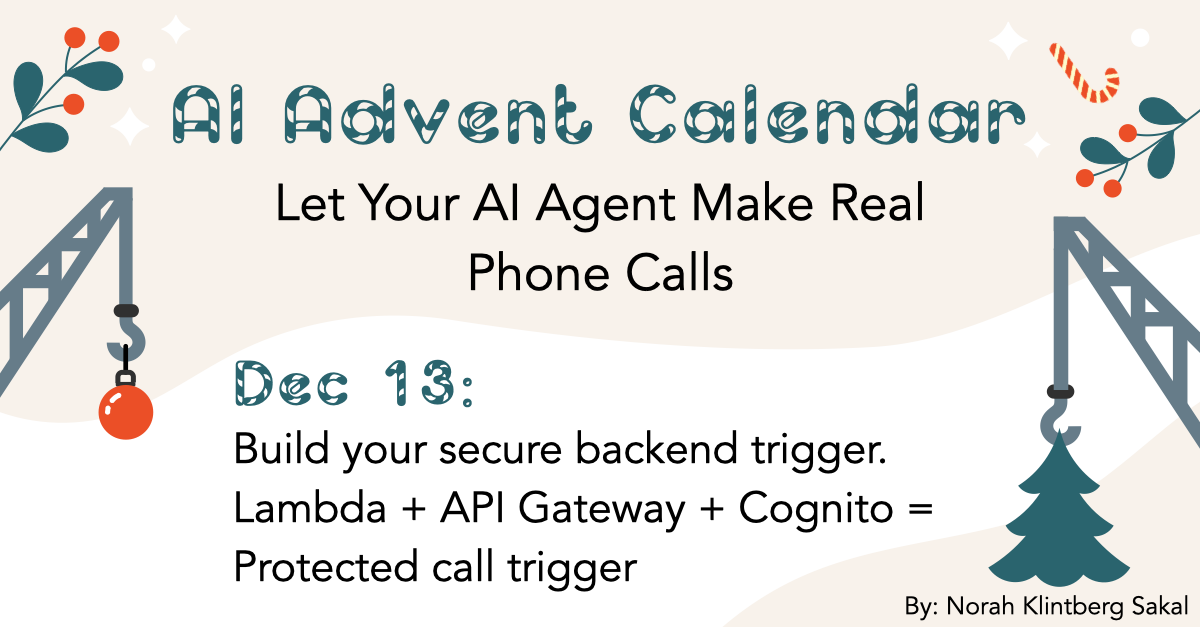
Day 13: Build your secure backend trigger

Β· 38 min read
Norah Klintberg Sakal
AI Consultant & Developer

Build your secure backend trigger

What you'll learn

How to build a secure Lambda backend with API Gateway and Cognito authorization to trigger AI calls

Why you need a secure trigger​

Day 12: You build a protected frontend

Today: We build the secure backend that triggers calls

Here's the critical security issue:

Remember your ALB endpoint we built on Day 9 β†—?

https://ai-caller.yourdomain.com

If we add a /make-call endpoint directly to Fargate:

POST https://ai-caller.yourdomain.com/make-call
β†’ Publicly accessible
β†’ Anyone can trigger calls
β†’ Could rack up *huge* OpenAI/Twilio bills
β†’ Even with frontend auth, the endpoint is exposed

This is not acceptable.

Day 12: Deploy your frontend (with authentication)

Β· 50 min read
Norah Klintberg Sakal
AI Consultant & Developer

Deploy your frontend (with authentication)

What you'll learn

How to build a secure frontend with Vite, React and Cognito authentication, then deploy it to S3 + CloudFront

Protect your app from unauthorized use​

Days 9-11: You built the infrastructure

Today: We build the protected frontend

Here's the critical security issue:

When you deploy your AI calling agent:

https://app.yourdomain.com
β†’ Publicly accessible
β†’ Anyone can use it
β†’ Could rack up huge OpenAI/Twilio bills

This is not acceptable.

What you need:

Day 11: Add HTTPS (SSL certificate)

Β· 24 min read
Norah Klintberg Sakal
AI Consultant & Developer

Add HTTPS (SSL Certificate)

What you'll learn

How to request a free SSL certificate from AWS and enable HTTPS on your Application Load Balancer

Make it secure​

Day 10: You got a custom domain

Today: We make it secure with HTTPS

Here's the situation:

Your app is accessible at:

http://ai-caller.yourdomain.com

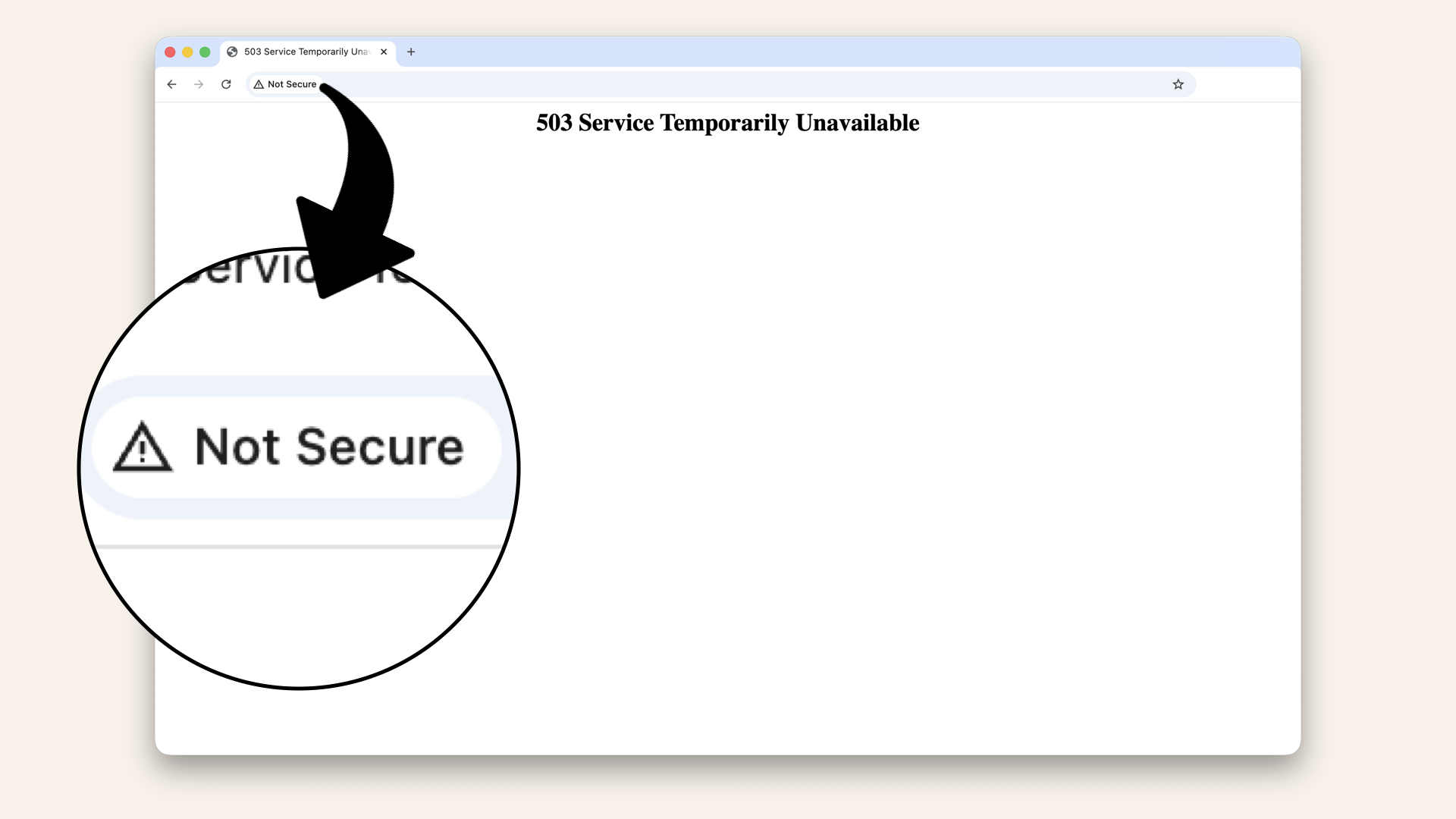
Browser says: ⚠️ "Not secure":

Browser says: 'Not secure'

Browser says: ⚠️ "Not secure"

The problem:
❌ Data transmitted in plain text
❌ Anyone can intercept traffic
❌ Users don't trust it
❌ Browser shows scary warnings
❌ Can't use modern web features (WebRTC, microphone access)

What you need:

Day 10: Get your custom domain (real URLs)

Β· 23 min read
Norah Klintberg Sakal
AI Consultant & Developer

Get your custom domain (real URLs)

What you'll learn

How to set up a custom domain with Route 53 and point it to your Application Load Balancer.

No more default URLs​

Day 9: You built the front-yard house (ALB)

Today: We give it a real address

Here's the situation: Your ALB has a public endpoint:

fargate-alb-1234567890.us-east-1.elb.amazonaws.com

This works, but:
❌ Impossible to remember
❌ Looks unprofessional
❌ Hard to share
❌ Can't use for SSL certificate (Day 11)

What you want:

ai-caller.yourdomain.com

Clean. Professional. Memorable.

Solution: Route 53 + Custom Domain

Day 9: Create your Application Load Balancer (the front door)

Β· 25 min read
Norah Klintberg Sakal
AI Consultant & Developer

Create your Application Load Balancer (the front door)

What you'll learn

How to create an Application Load Balancer that accepts internet traffic and routes it to your private containers

Your network needs a front-yard house​

Day 8: You tested and validated your network

Today: We build the front door (Application Load Balancer)

Here's the setup:

Day 8: Test your network (prove it works)

Β· 26 min read
Norah Klintberg Sakal
AI Consultant & Developer

Test your network (prove it works)

What you'll learn

How to validate your VPC infrastructure by launching a test instance and verifying connectivity

Trust, but verify​

Days 3-7: You built the entire network infrastructure

Today: We prove it actually works

Here's the situation:

You've built:
βœ… VPC with Internet Gateway
βœ… Public and private subnets
βœ… NAT Gateway
βœ… Route Tables
βœ… Security Groups

But you haven't actually tested any of it.

What if:

  • NAT Gateway isn't running correctly?
  • Route tables have the wrong associations?
  • Secure Groups are blocking traffic?
  • Something is misconfigured?

You'd fund out after deploying your containers (painful debugging)

Solution: Test first, deploy second.